Do you need ERP for small business? Ask these first
Do you need an ERP for one shop? Ask these questions first, see what an ERP adds, and check what a shop point of sale covers and where it stops.
Short answer Most single shops do not need an ERP system. They need a point of sale that also keeps stock, purchases, customers and money in one program. An ERP is worth its cost when a business has a factory, many branches or a head office that combines the books. SellyPOS is a shop program, not an ERP.
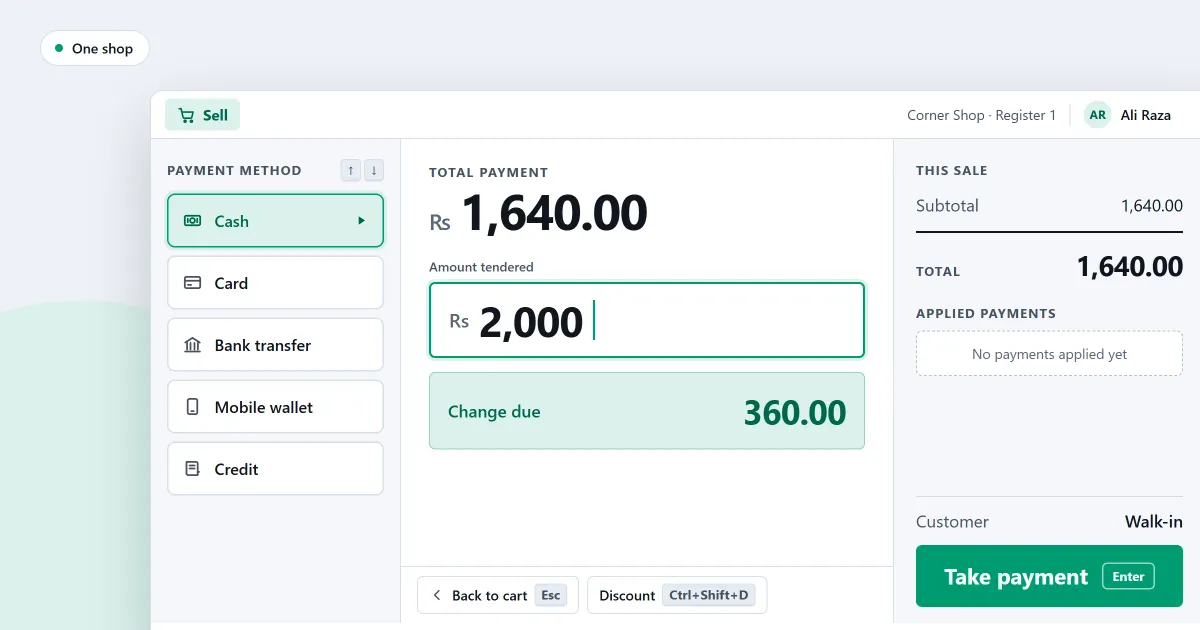
Many people who search for ERP for small business want a plain answer. Do you need a large system with stock, buying, sales, accounts and people records in one place, or do you only need to run a shop? For one shop, the honest answer is usually the second. This page sets out the questions to ask before you buy, and says when an ERP is the right answer.
What is an ERP system?
An ERP, or enterprise resource planning system, is one large program that joins production, buying, stock, sales, accounts, payroll and people records into one system.
For a shop, the meaning is simpler. An ERP suits a business that makes goods from parts, moves them between sites, or has many offices that share one set of books. Most shops do none of those things. They sell at a counter, buy from suppliers, keep stock and give credit to some customers.
Do you need an ERP for one counter?
Probably not, if the shop has one counter and an owner who knows the stock. A point of sale that keeps stock, purchases, customers and money is often enough for that kind of shop. The questions below show whether it is enough for yours.
Which questions should you ask before you buy?
- Do you make anything from parts? If you make food, furniture or clothes from raw materials, you need production planning. SellyPOS has no bill of materials and no production.
- Do you have more than one site? A second stock room inside one shop is different from a second shop in another city. In SellyPOS, locations belong to one shop, and creating them is a Professional feature. Transfers between branches are not built.
- Do you need one head office view of every shop? SellyPOS reports run on one shop’s own records. They do not combine several shops into one set of figures.
- Do you sell on credit? You need a customer ledger with a running balance, credit limits and statements. SellyPOS has these in Basic and Professional.
- Do you need your own chart of accounts? A shop cannot define its own accounts or post journal entries by hand in SellyPOS.
- Do staff need different access? Each role decides what a person can see and do. SellyPOS ships with eight roles, including Cashier and Viewer, in Basic and Professional.
When is an ERP the right answer?
An ERP is the right answer when one set of books has to cover several sites. It is also the right answer when goods are made from parts, or when a business runs a warehouse with bins and picking. In those cases a shop program will not be enough.
It is better to know that before you buy than after. Ask the seller which parts the product has, and compare the answer with the table below.
Where SellyPOS stands
SellyPOS is a point of sale and shop management program for one shop, with several tills on one shop network in Professional. It is an installed Windows program, and it sells with no internet connection. It is not an ERP.
| What the shop needs | In SellyPOS | Edition |
|---|---|---|
| Sales at the counter, with no internet | Yes | Lite, Basic, Professional |
| Purchase orders, deliveries and supplier bills | Yes | Lite, Basic, Professional |
| Stock on hand, with a reason for each adjustment | Yes | Lite, Basic, Professional |
| Stock counts and reorder levels | Yes | Basic, Professional |
| Customer credit, ledgers and statements | Yes | Basic, Professional |
| Profit and loss, balance sheet and cash flow | Yes, but the statements cannot be exported or printed | Basic, Professional |
| Locations inside one shop | Yes | Professional |
| Several tills on one shop network | Partly: one shop in one place, and the test on two real computers is outstanding | Professional |
| Several shops in different cities | Not included | Not in any edition |
| Production and bills of materials | Not included | Not in any edition |
| Warehouse bins and picking | Not included | Not in any edition |
| Your own chart of accounts and journal entries | Not included | Not in any edition |
| Statutory payroll deductions | Not included | Not in any edition |
Optional cloud services are planned, with no date. They are not built, and they are not part of the software price.
Compare the table with your own list. If every row you need says Yes, a one-shop program is likely to be enough for you.
Next
Read what an ERP system costs a small business, and what a shop pays instead. For the full list of what SellyPOS does for a shop, see retail management software for a small shop. The parts by area are in stock control, purchases and suppliers, customers and credit and money and accounts. Then compare the editions, read the pricing page and download SellyPOS.
Questions people ask
Is SellyPOS a cloud service or a browser app?
No, SellyPOS is an installed Windows app, not a browser app, an Android app or a cloud service. It runs on the computer itself and finishes a sale with no internet connection. You need the internet once, to sign in with Google at setup. See an installed Windows app for what that means at the counter.
Can I see what my shop owns and owes, and where its cash went?
Yes, your shop's statements show what it owns and owes, in a balance sheet, and where its cash went, in a cash flow statement. Both are in Basic and Professional, and you can open a balance sheet line to see the entries behind it.
Does a small shop need ERP software?
A small shop usually does not need ERP software. A shop that sells over a counter, keeps stock and tracks customer credit needs a point of sale with stock, purchasing and accounts. An ERP is worth considering for a factory, many branches or a warehouse. SellyPOS is built for one shop, and it is not an ERP. See what SellyPOS does not do yet.
Is SellyPOS an ERP?
No, SellyPOS is not an ERP. It is retail management software for a shop or a shop with several tills. It has no manufacturing or bill of materials, no warehouse bins, no head-office control across branches and no custom chart of accounts. It does cover the counter, stock, purchasing, money accounts and reports, and Basic and Professional add customer credit and reports. See what SellyPOS does not do yet.
